Studio resource planning

See who's drowning. See who's on the bench.

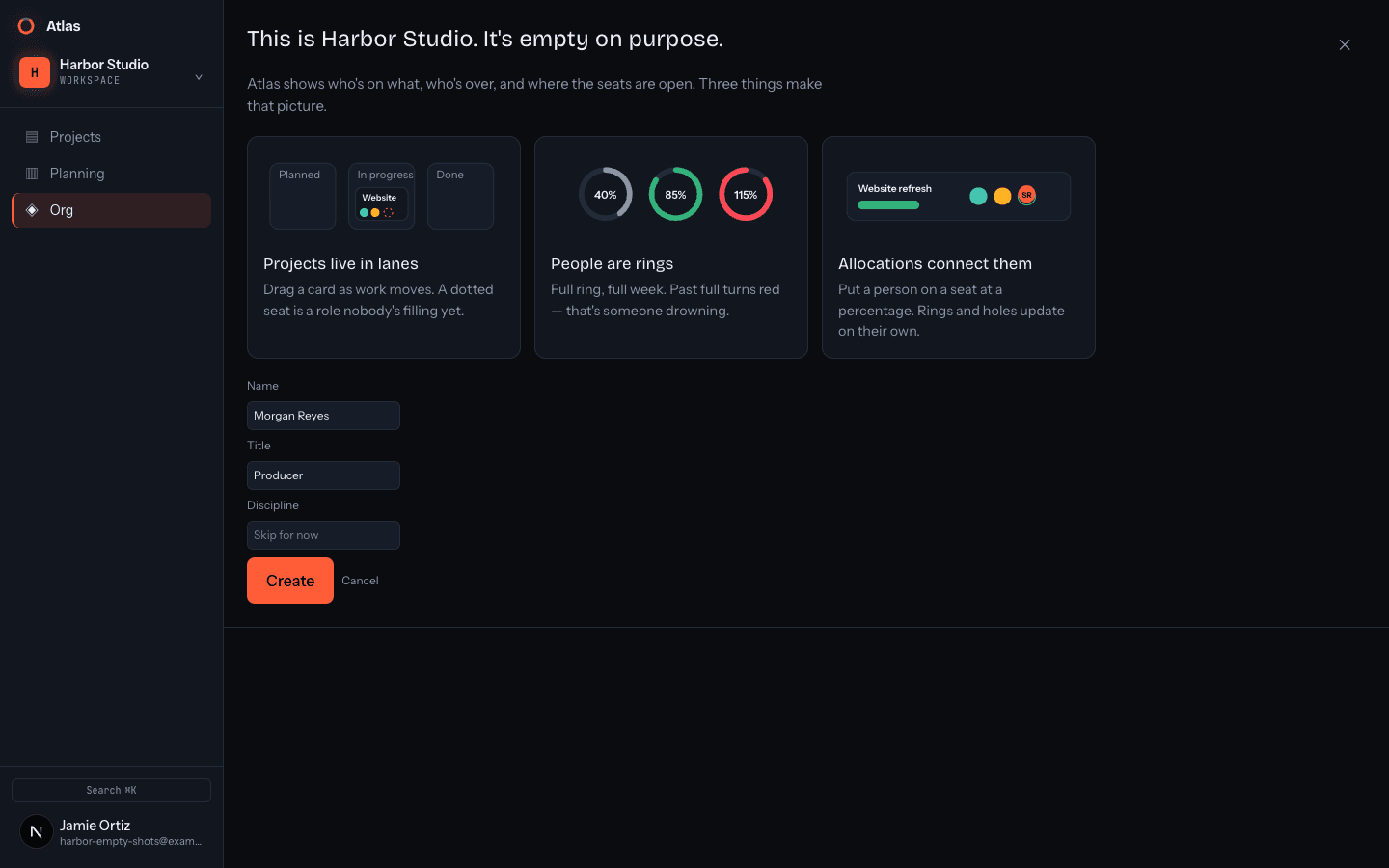
Atlas is a living map of your studio's staffing — projects on a lifecycle board, people as capacity rings, and every hole and overload out where you can see it.

The problem

Staffing lives in five spreadsheets and one person's head.

Someone is quietly at 140%. Someone else has been idle for two weeks. Three projects are missing an engineer and nobody noticed. Atlas puts all of it on one surface.

OVERALLOCATED3
Sam P.
Rae L.
Ivo K.
ON THE BENCH4
Mika K.
Dre O.
Nell V.
What you see

Three views of the same studio.

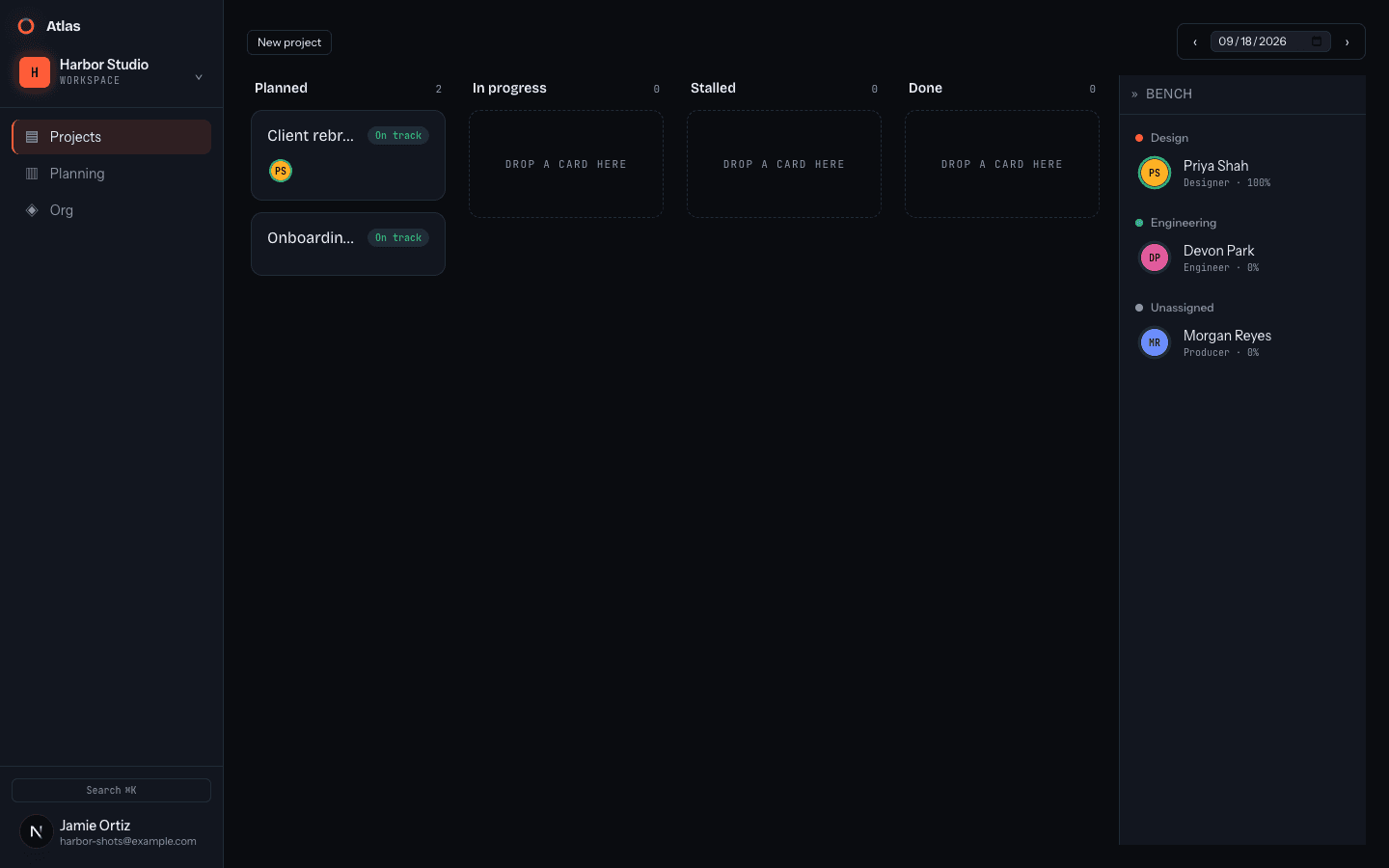
The whole slate, on one board

Projects sit in lifecycle lanes — Planned, In progress, Stalled, Done. Each card shows who's staffed and which roles are still unfilled ghost-slot holes; drag someone off the bench to drop into one.

Allocation, down to the number

The planning table lists every project with its staffing chips, fill counts, and team-load meters. Each person carries a capacity ring, so who's past 100% and what's under-resourced both surface at a glance.

The org, one tree deep

Reporting lines drawn as a collapsible chart, with department drill-downs, employment-type badges, and a scenario bar to sketch what-ifs before you commit.

Open the studio floor.

No setup, no timesheets. Try the live demo and start moving people around.

Enter Studio